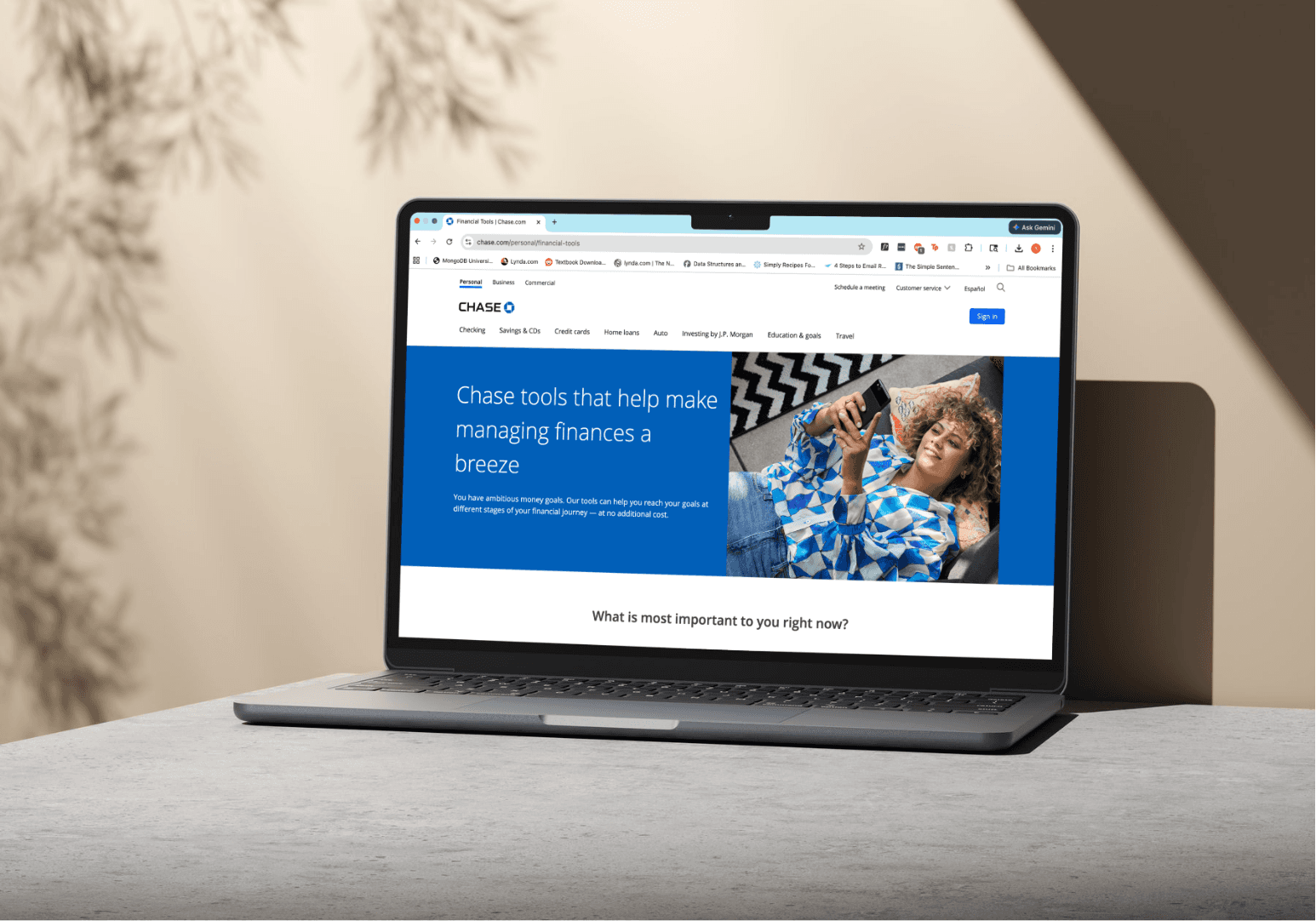
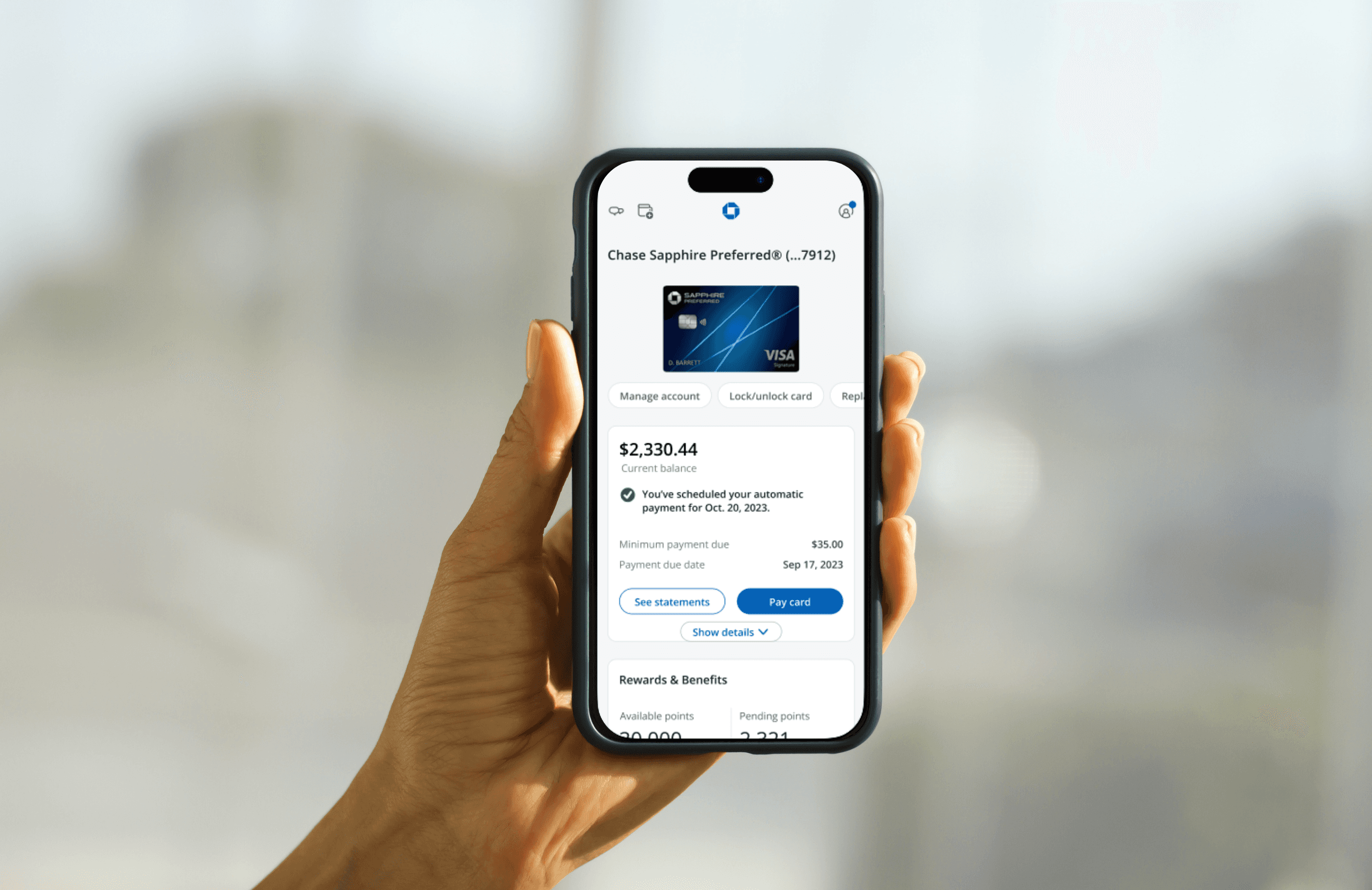
Landscape Orientation Pattern
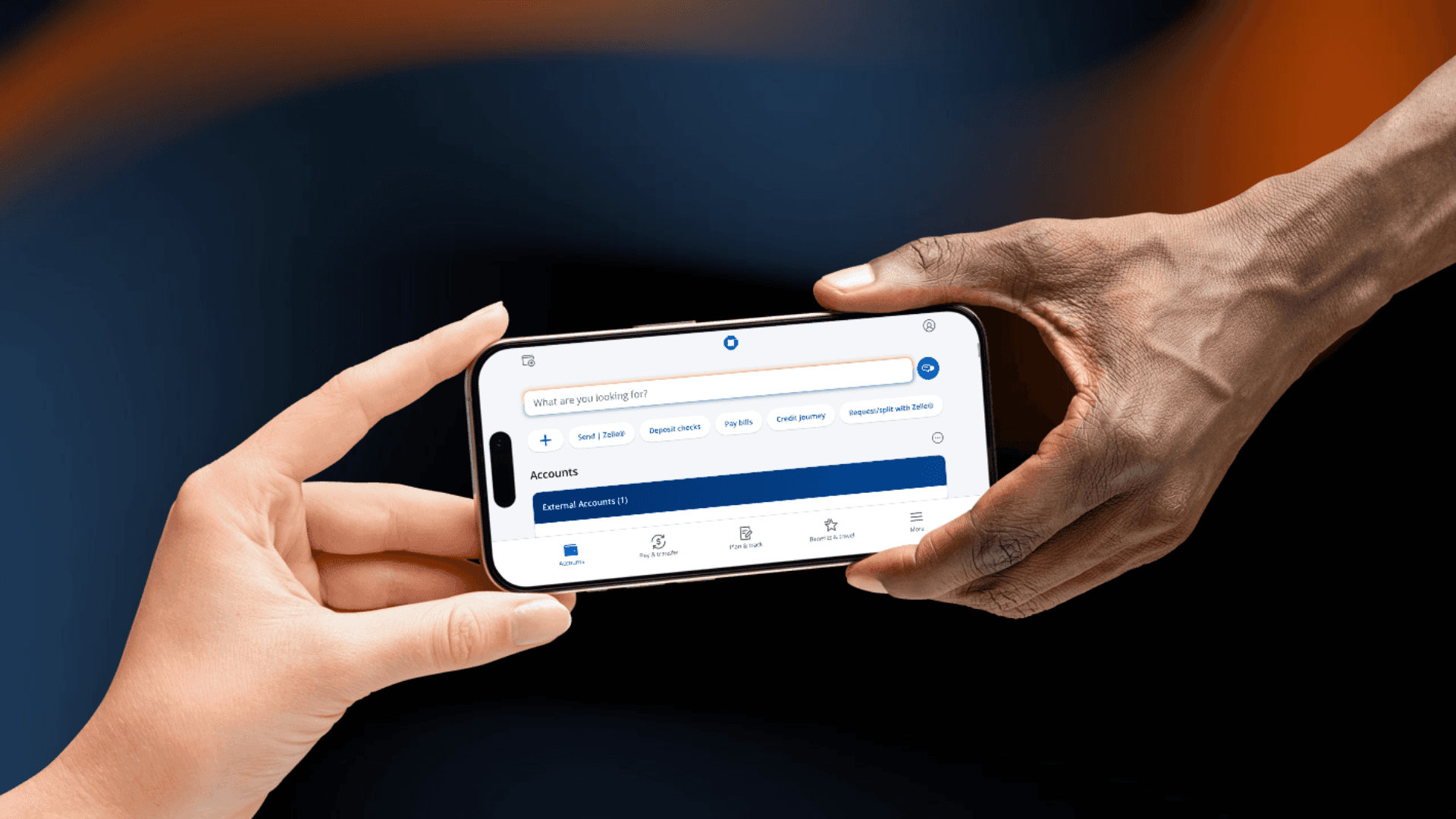
I built Chase's first landscape orientation standard, the only one in the JPMC ecosystem, covering WCAG AA/AAA compliance, iOS and Android patterns, and governance documentation adopted by 500+ designers. It's now live to 87M users with 780M+ landscape page views since February 2024.
challenge.
Chase's portrait-only mobile app violated WCAG 1.3.4, creating legal exposure and excluding users who rely on landscape orientation: mounted phones, motor impairments, and screen magnification. No landscape pattern, documentation, or precedent existed anywhere in the JPMC ecosystem.
Chase's portrait-only mobile app violated WCAG 1.3.4, creating legal exposure and excluding users who rely on landscape orientation: mounted phones, motor impairments, and screen magnification. No landscape pattern, documentation, or precedent existed anywhere in the JPMC ecosystem.
what i did.
Worked closely with iOS and Android engineering to learn the technical constraints of each platform, uncovering key differences in notch behavior, safe areas, header sizing and more, that directly shaped the pattern documentation.
Navigated a cross-team ownership conflict over full width vs. 575px.
Teams unwilling to migrate to the design system pushed back on 575px because it would require manually resizing every component to fit.
I proposed a phased approach: launch at full width first, then incorporate iOS size classes so components would resize automatically without manual intervention.
Authored governance documentation covering iOS and Android patterns end to end and presented it to 500+ designers and executives across Chase Mobile.
Desk checked every mobile team's landscape experience before it went into production, acting as the final design authority across the entire Chase Mobile app.
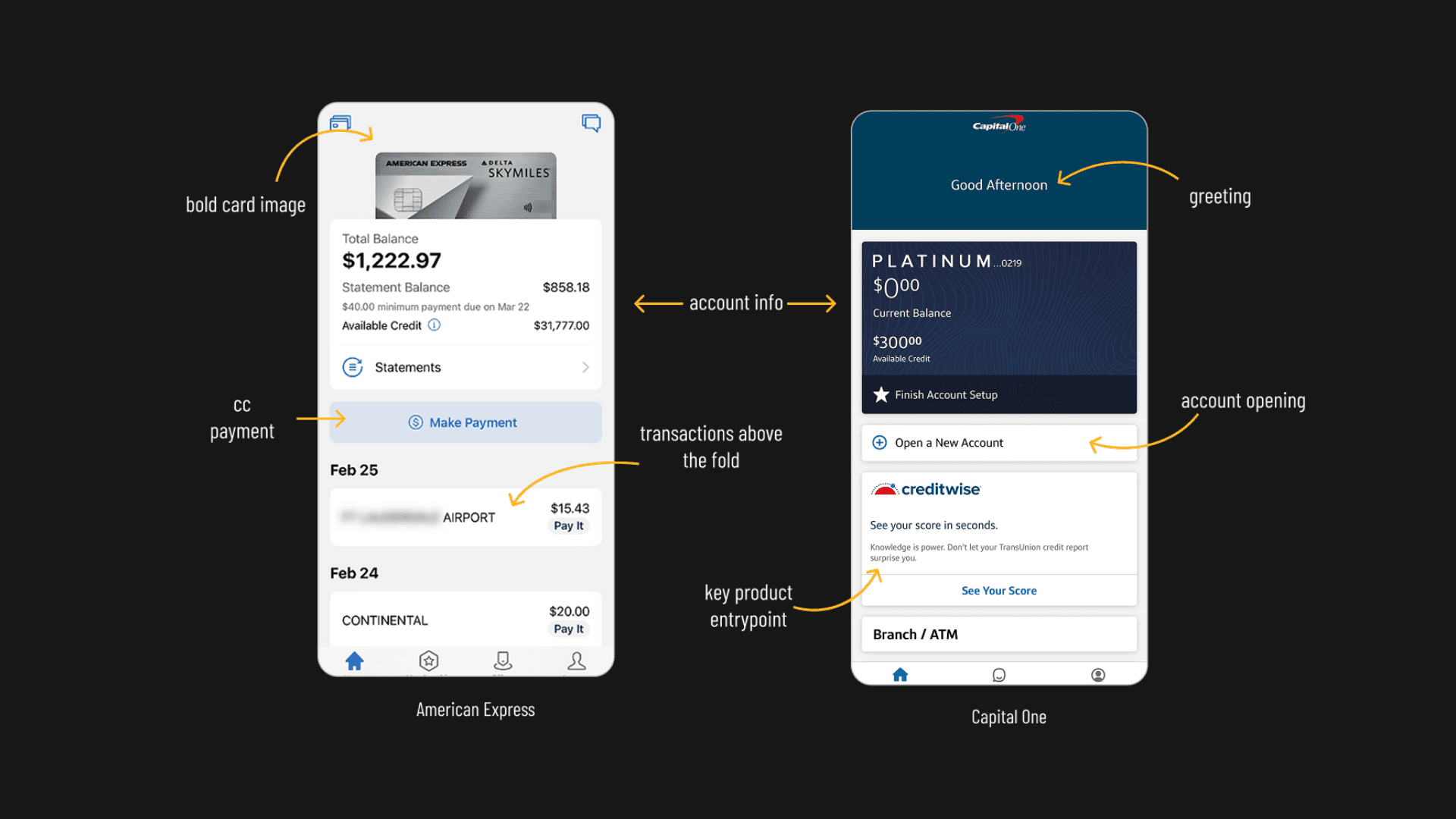
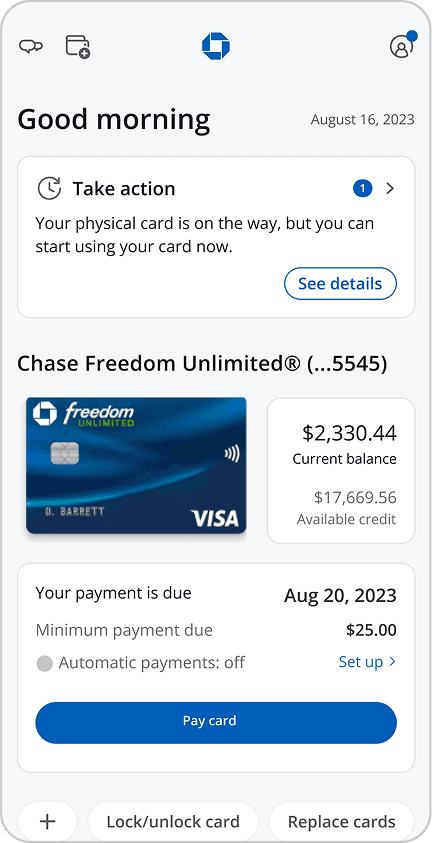
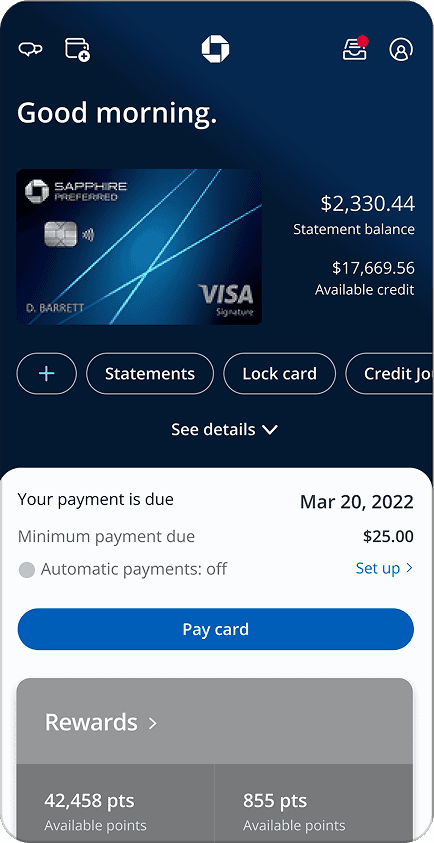
Comparison of American Express & Capital One's single card home pages
3 sections structured (left), Mid-Fi explorations (right)
Potential hi-fi MVP explorations designed
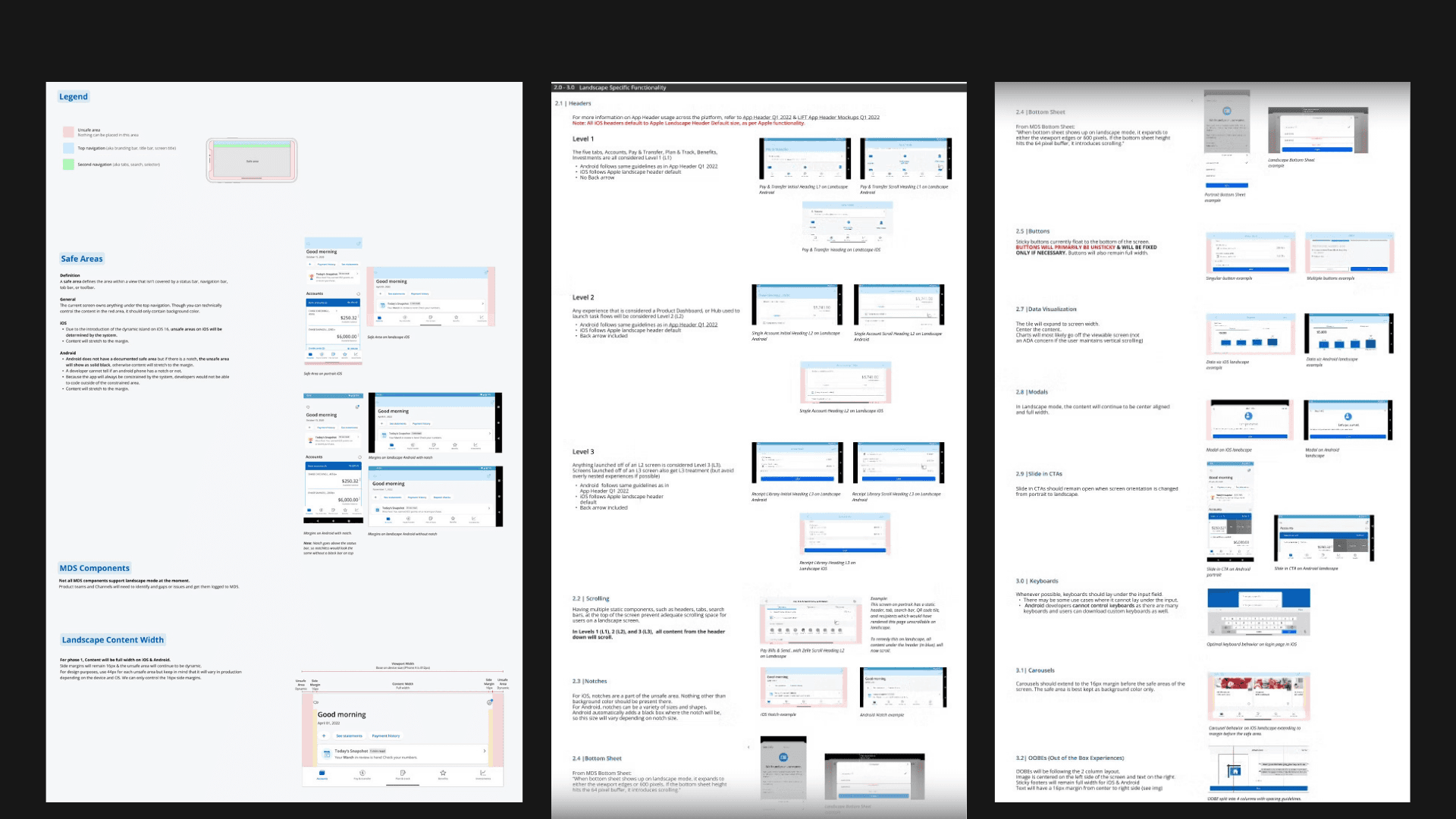
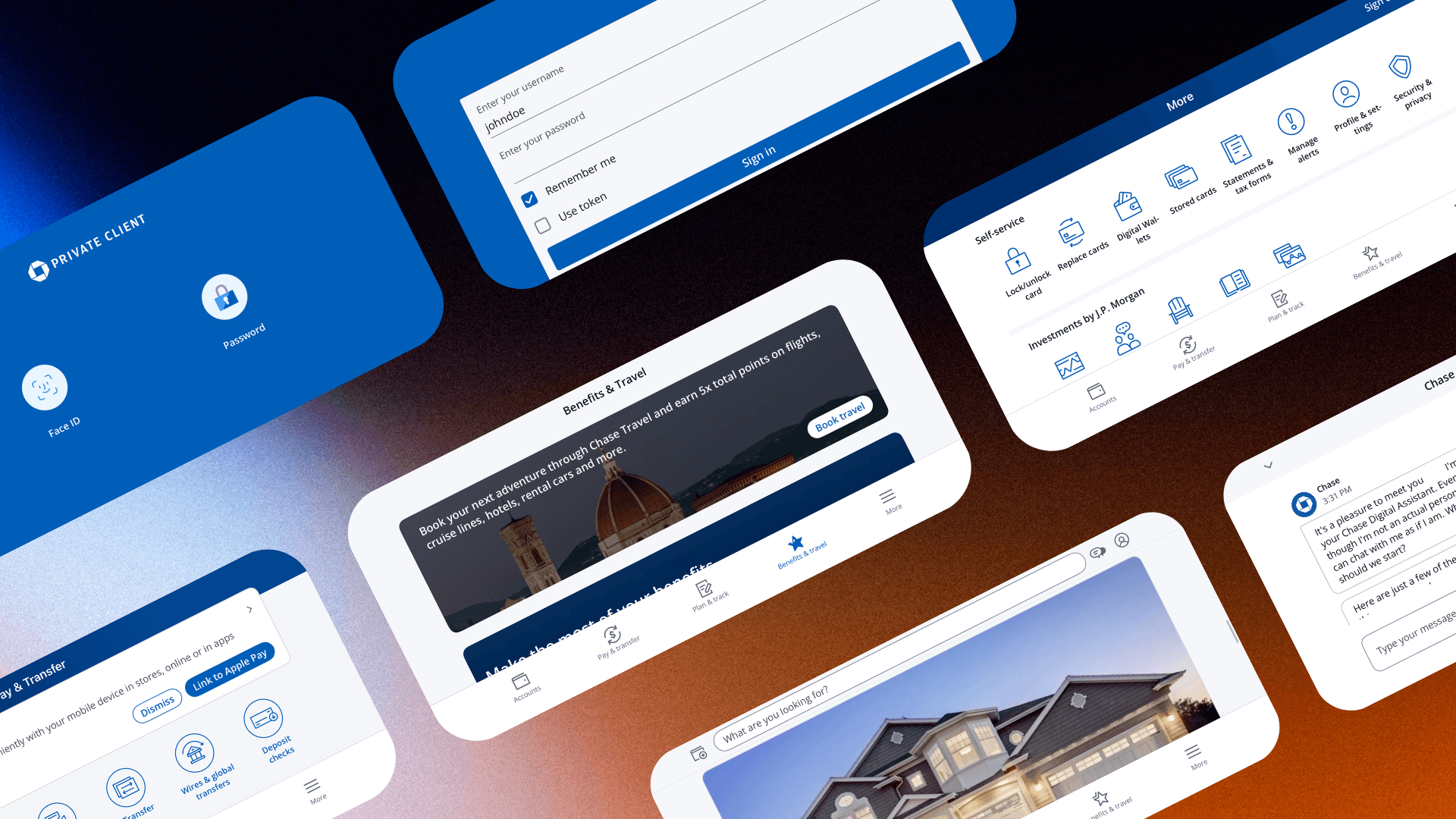
Landscape orientation documentation, broken down into 3 pages
discovery.
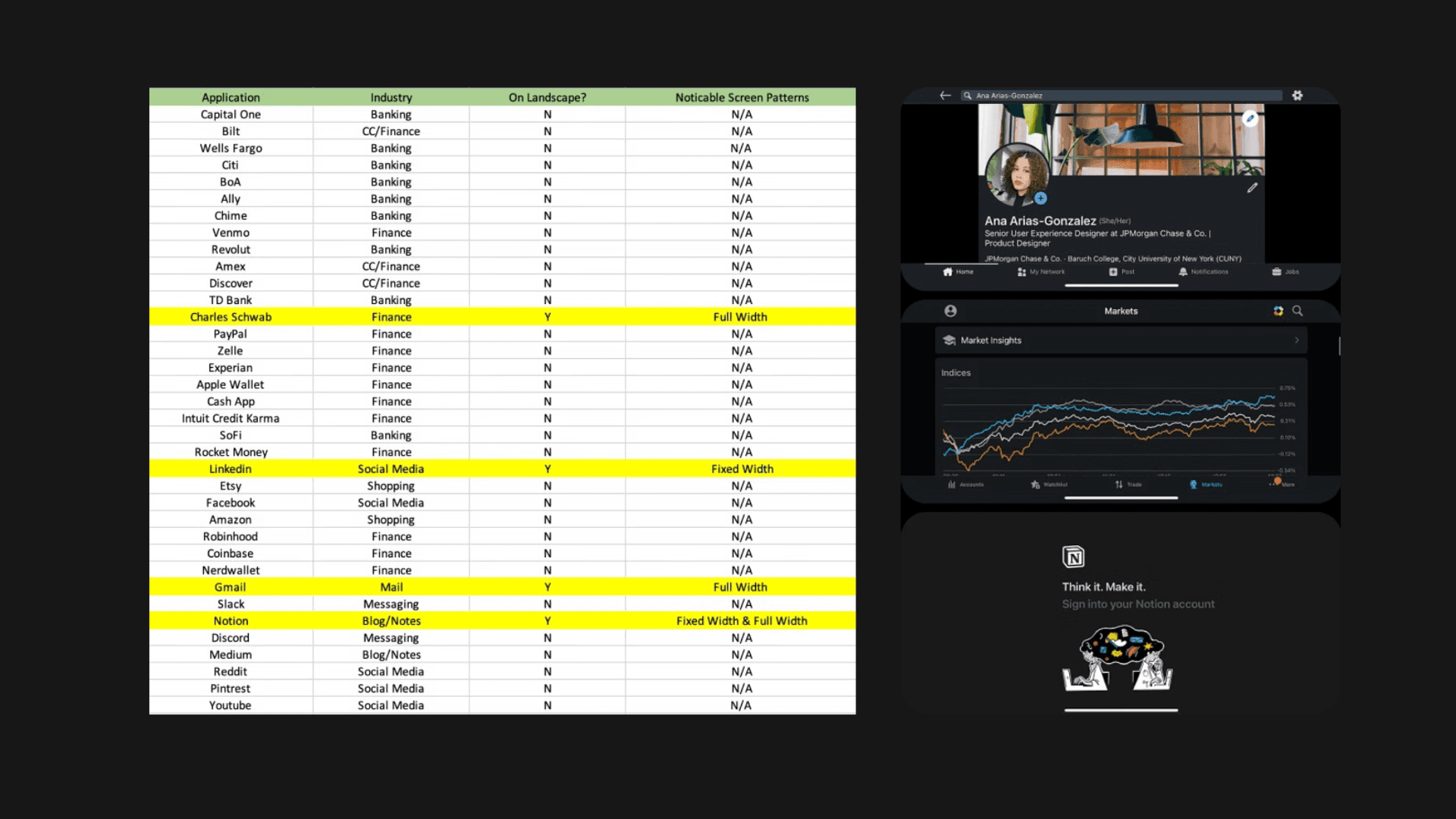
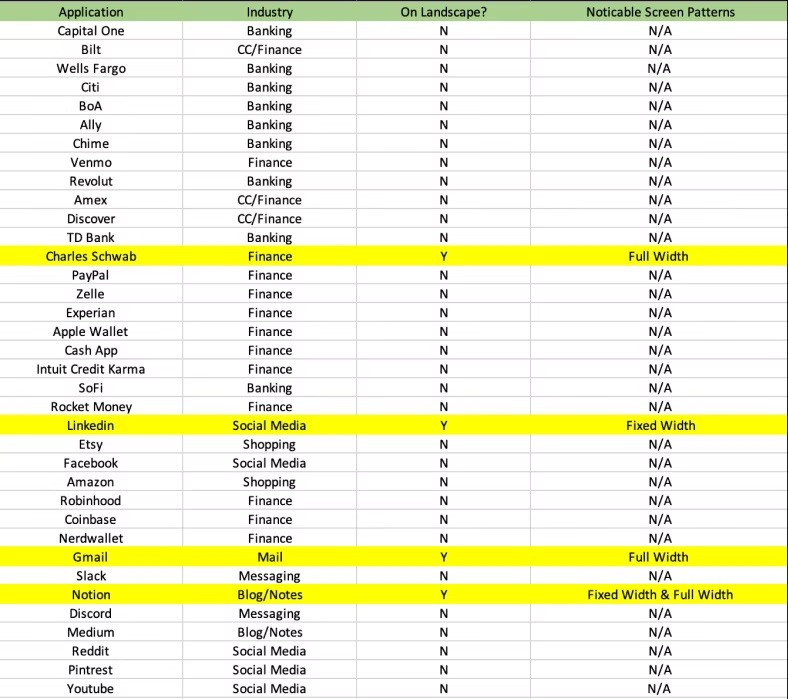
A competitive scan of 36 comparable apps at the time found only 4 supporting landscape, and only 1 in the financial sector. There was no industry playbook to reference.
I started by pressure-testing every design system component on Figma at both full width and 575px, the point where mobile transitions to tablet. Some components were difficult to read, others broke the layout entirely and would have caused horizontal scrolling without a fix.
Competitive analysis with apps on landscape highlighted (left), examples of apps then in landscape (right)
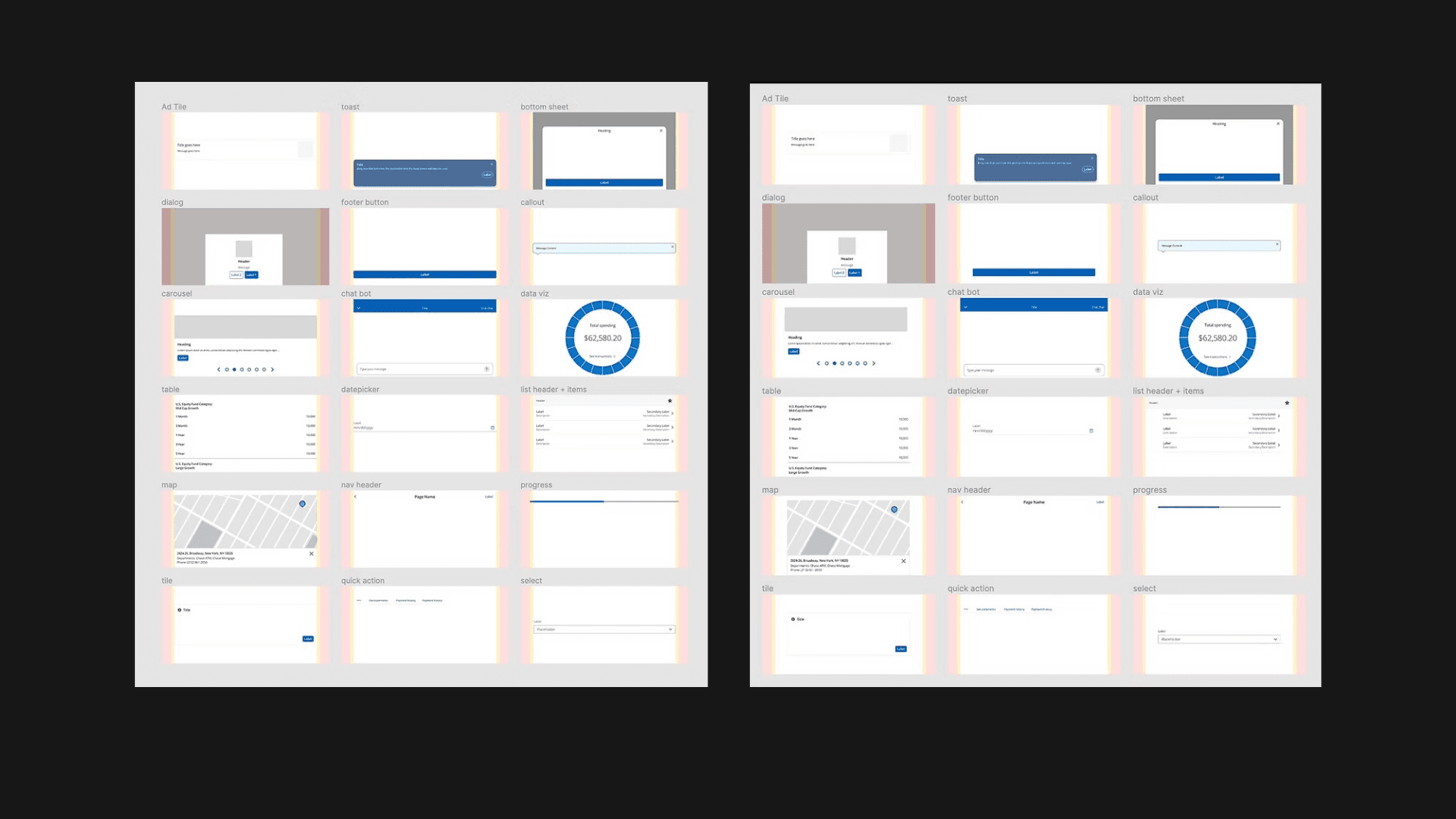
Pressure testing components at full width (left), and 575px (right)
Competitive analysis with apps on landscape highlighted (left), examples of apps then in landscape (right)
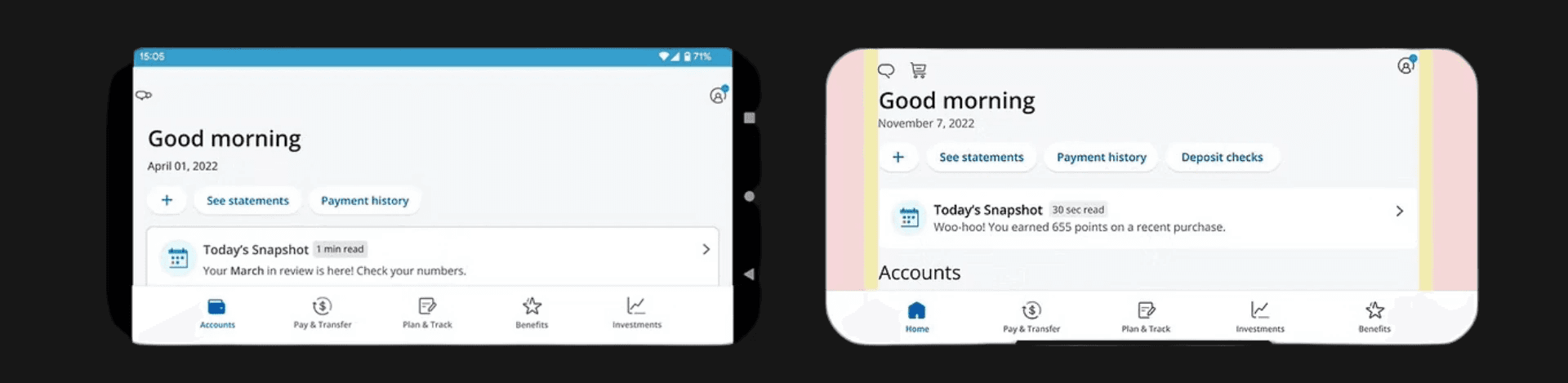
Android notch solution as a black box (left), iOS notch solution with safe area in pink (right)
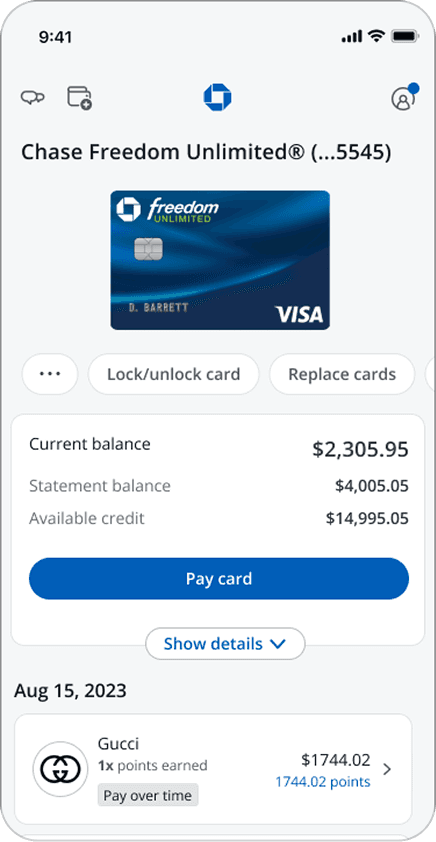
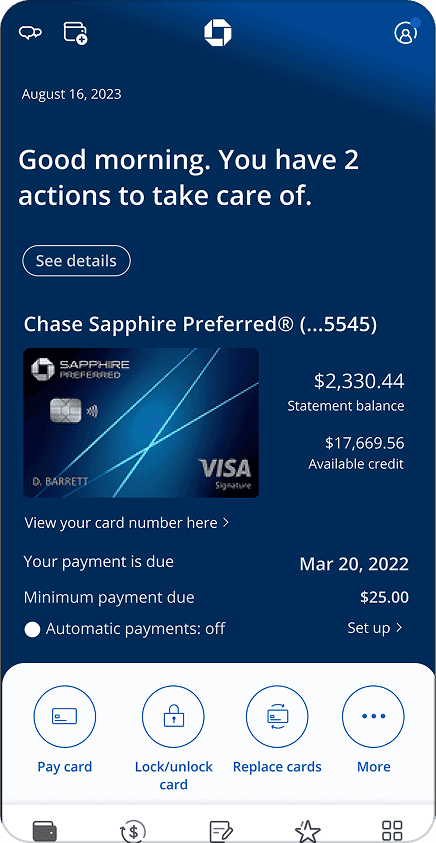
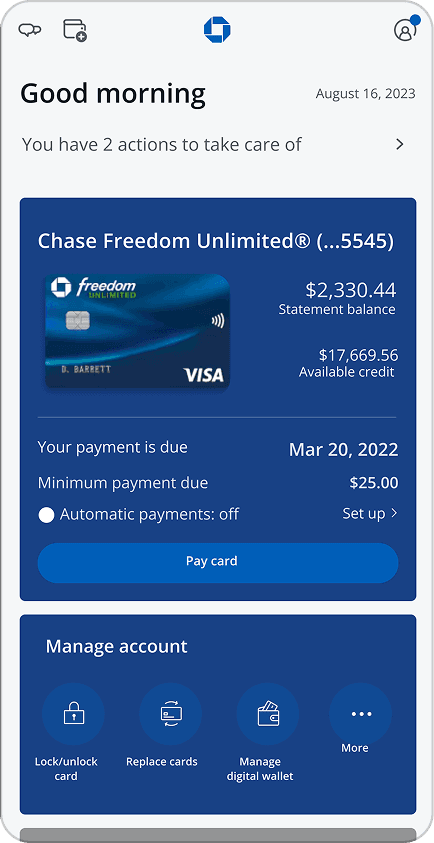
previous credit journey page
Segmented data collected
results.
Since February 2024, this has now been live to 87M users and at the time, 780M+ landscape page views and counting.
If you bank with Chase, flip your phone and check it out!
what would i do differently, in one sentence.
I'd have advocated harder for even lightweight user research on 575px vs. full width and usability of components, as the phased approach worked given the timeline, but VoC would have given us the data.
Potential hi-fi MVP explorations designed
Landscape Orientation Pattern
INDUSTRY:
2023
CLIENT:
Mobile
YEAR:
B2C
TEAM:
Design Systems Team @ Chase
YEAR:
2023
CHANNEL:
Mobile
TYPE:
B2C
TEAM:
Design Systems Team @ Chase
Landscape Orientation Pattern
about.
I built Chase's first landscape orientation standard, the only one in the JPMC ecosystem, covering WCAG AA/AAA compliance, iOS and Android patterns, and governance documentation adopted by 500+ designers. It's now live to 87M users with 780M+ landscape page views since February 2024.
Role: Lead Product Designer
Collaborated with: 2 product managers, 2 engineering managers (mobile & iOS), all of Chase Mobile design.
challenge.
Chase's portrait-only mobile app violated WCAG 1.3.4, creating legal exposure and excluding users who rely on landscape orientation: mounted phones, motor impairments, and screen magnification. No landscape pattern, documentation, or precedent existed anywhere in the JPMC ecosystem.
discovery.
A competitive scan of 36 comparable apps at the time found only 4 supporting landscape, and only 1 in the financial sector. There was no industry playbook to reference.
I started by pressure-testing every design system component on Figma at both full width and 575px, the point where mobile transitions to tablet. Some components were difficult to read, others broke the layout entirely and would have caused horizontal scrolling without a fix.
Competitive analysis with apps on landscape highlighted (left), examples of apps then in landscape (right)
Competitive analysis with apps on landscape highlighted (left), examples of apps then in landscape (right)
Competitive analysis with apps on landscape highlighted (left), examples of apps then in landscape (right)
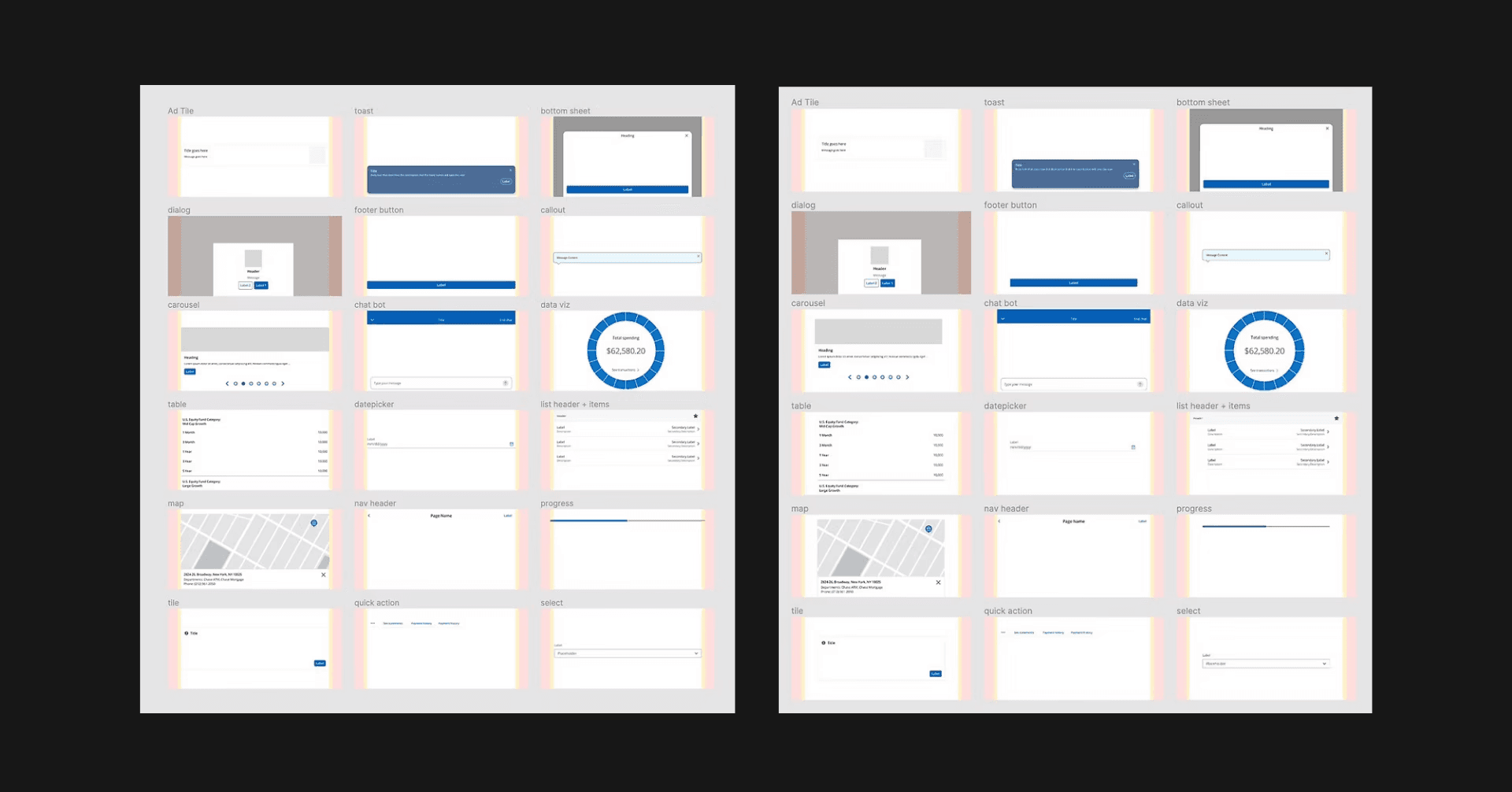
Pressure testing components at full width (left), and 575px (right)
Pressure testing components at full width (left), and 575px (right)
what i did.
Worked closely with iOS and Android engineering to learn the technical constraints of each platform, uncovering key differences in notch behavior, safe areas, header sizing and more, that directly shaped the pattern documentation.
Navigated a cross-team ownership conflict over full width vs. 575px.
Teams unwilling to migrate to the design system pushed back on 575px because it would require manually resizing every component to fit.
I proposed a phased approach: launch at full width first, then incorporate iOS size classes so components would resize automatically without manual intervention.
Authored governance documentation covering iOS and Android patterns end to end and presented it to 500+ designers and executives across Chase Mobile.
Desk checked every mobile team's landscape experience before it went into production, acting as the final design authority across the entire Chase Mobile app.
Android notch solution as a black box (left), iOS notch solution with safe area in pink (right)
Landscape orientation documentation, broken down into 3 pages
results.
results.
Since February 2024, this has now been live to 87M users and at the time, 780M+ landscape page views and counting.
If you bank with Chase, flip your phone and check it out!
what would i do differently, in one sentence.
what would i do differently, in one sentence.
I'd have advocated harder for even lightweight user research on 575px vs. full width and usability of components, as the phased approach worked given the timeline, but VoC would have given us the data.